
Step-by-step Lifelong POS walkthroughs
Short, practical videos from the Lifelong team covering hardware setup, inventory management, dual pricing, loyalty programs, and reporting. New tutorials added regularly.
Looking for the products themselves?
These tutorials walk through Lifelong POS hardware and software features. Compare devices, see the general retail POS or specialty retail POS lineups, or book a live demo.
All tutorials are published on the @LifelongPOS YouTube channel.
Subscribe on YouTubeIntro to Lifelong POS
A short walkthrough of the Lifelong POS platform — the register flow, back-office, and how the pieces fit together for independent retail.
Tutorial library
Feature walkthroughs from the Lifelong team
How to Use Mass Actions in Lifelong POS for Faster Inventory Updates
Learn how to bulk-update prices, categories, and availability across your entire catalog at once — instead of editing SKUs one at a time. Essential for any multi-category specialty retailer.
Related reading
How to Set Up a Loyalty Program in Lifelong POS
Walk through configuring a points-based loyalty program from scratch — point earn rates, redemption thresholds, customer enrollment, and reporting. Loyalty programs drive repeat visits for kava bars, smoke shops, and vape retailers.
Related reading
Managing Shifts and Reports in Lifelong OS
See how to open and close shifts, reconcile cash drawers, and pull the daily summary reports your manager needs every morning. Covers both the front-of-house register flow and the back-office reporting dashboard.
How to Edit a Shift Report
Step-by-step walkthrough of editing a shift report in Lifelong OS — correcting cash variances, adjusting tip lines, and adding manager notes before the report is finalized.
Related reading
How to Edit Employee Timesheets
Learn how to correct employee clock-in/out entries, add missing punches, and export timesheet data for payroll. Keeping accurate timesheet records is also part of the audit trail compliance layer for multi-employee retail.
Related reading
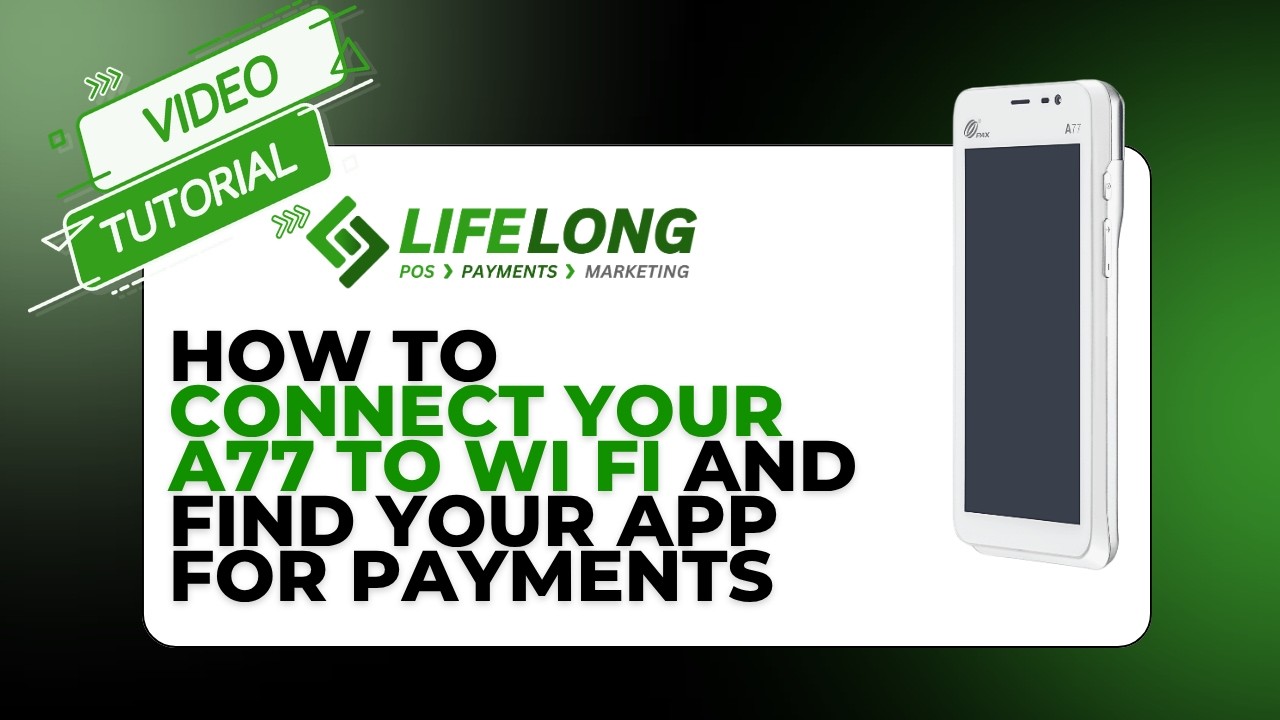
How to Connect Your A77 to Wi-Fi and Find Your App for Payments
Get the PAX A77 mobile terminal connected to your store network and confirm your Lifelong Payments app is loaded and ready to process. The A77's dual Wi-Fi + 4G LTE means it keeps processing even if the router drops.
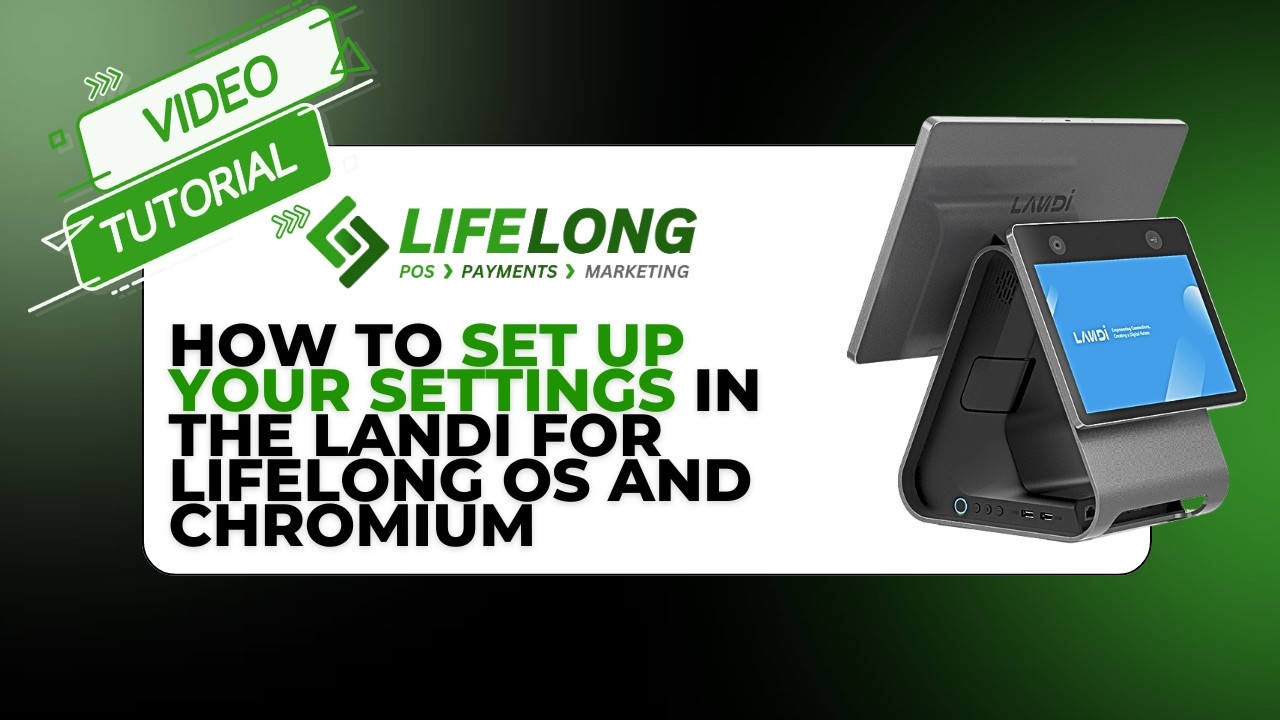
How to Set Up Your Settings in the Landi for Lifelong OS and Chromium
Configure the Landi C20 Pro countertop terminal for Lifelong OS — network settings, Chromium browser configuration, and the Lifelong app setup that gets your main register running dual pricing out of the box.